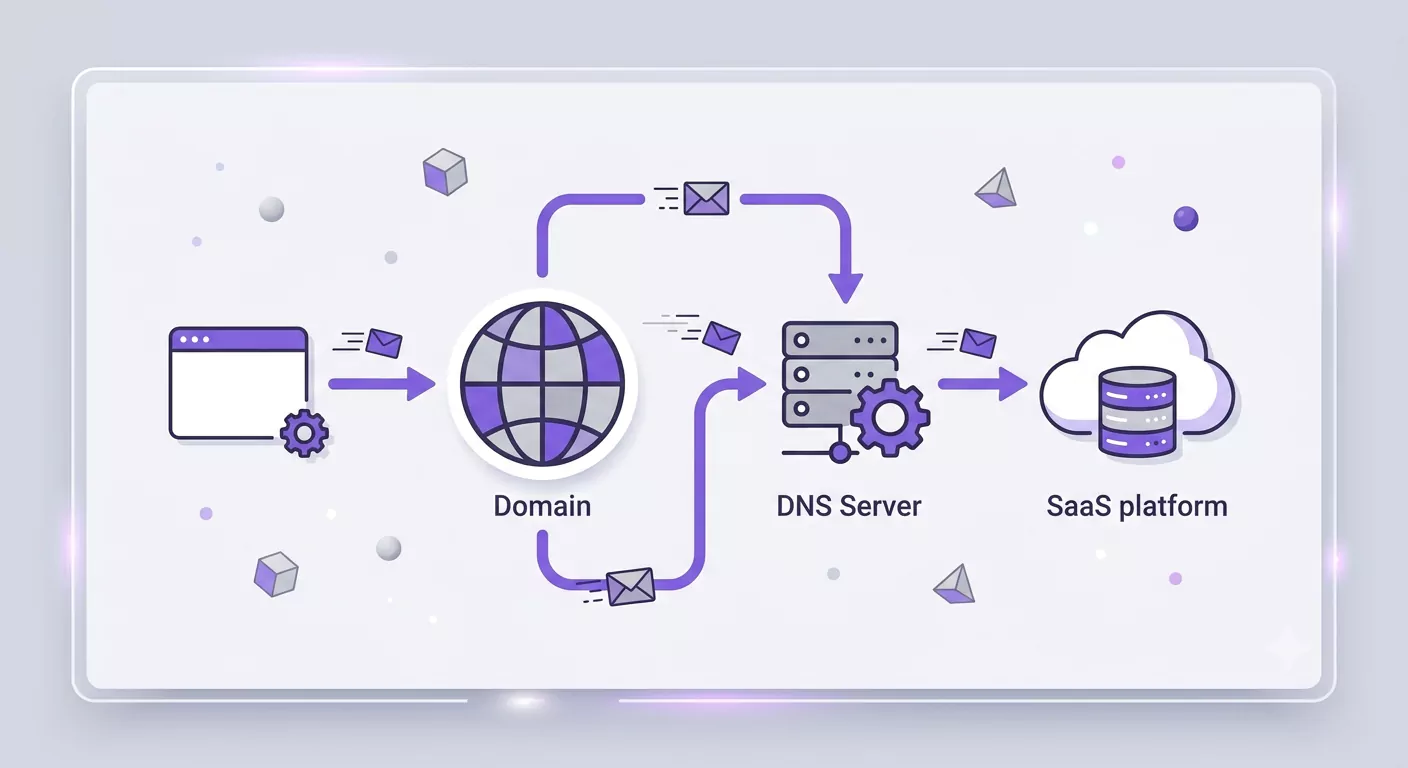
If you have selected the Lenoos SaaS services, you can offer all Lenoos platform services to your users and customers under your own brand or company domain name, in accordance with Lenoos platform rules and regulations.
Since setting up a domain name is a technical and sensitive matter, if you do not have technical knowledge in this field, seek assistance from network and security experts.
https://en.wikipedia.org/wiki/CNAME_record
For example, if your domain is yourdomain.tld, you can share the name catalog.yourdomain.tld as the platform for displaying interactive catalogs with your customers and users.
Thus, your brand name and domain are displayed to customers, but the traffic and infrastructure of the Lenoos platform are made available to you easily.
How to Set Up a Domain Name in DNS Server
To do this, simply create a record in your DNS Server settings:
Record Type: CNAME
Name: catalog.yourdomain.tld
Value (Target): usaas.lenoos.com
Please note that in the settings above, the domain name is at your discretion and choice, but the Value (Target) option is mandatory and must be equal to usaas.lenoos.com.
If you enter a domain name other than the value specified above, you will not be able to utilize the Lenoos platform services under your domain, and it may also create security risks for you; therefore, exercise sufficient care when entering the above values.
Sample Settings in Cloudflare

After applying the settings on the DNS server, you can use the address defined in the Name section in your browser and enjoy the Lenoos platform experience for designing, customizing, and publishing content and digital catalogs to your customers.
If you encounter any issues after applying the settings or require further technical review, you can contact our technical experts via the Contact Us page.